How to Change Password
Reset your password
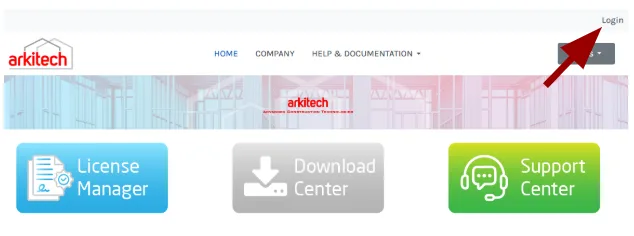
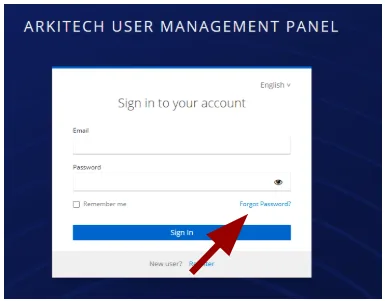
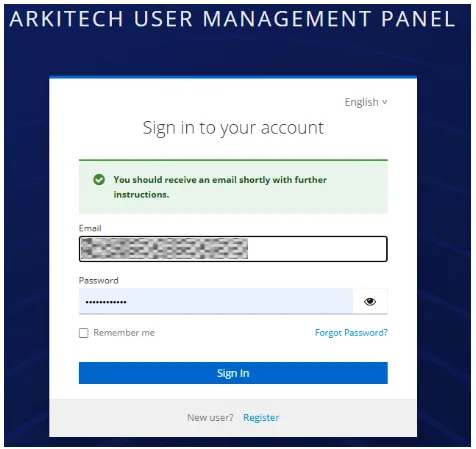
If you are already logged in, click your email address at the top of any page to go straight to the account console’s Signing In section. Otherwise, click Login at the top of any page, then Forgot Password on the login form.
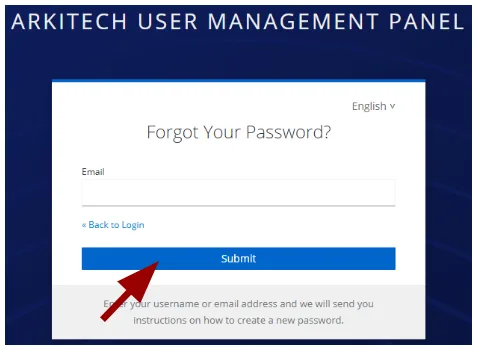
Complete the form with the required information, then click Submit.
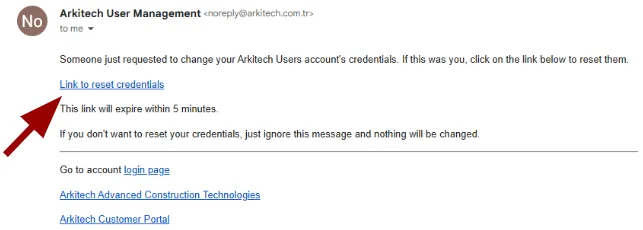
The system sends a reset email to the address provided during registration.
The email looks like the example below. Clicking the reset link lets you set a new password.