
Get Started - Sign Up
Why sign up?
Arkitech Portal allows users to create and manage their accounts, including defining and managing digital licenses for administrators. The platform also serves as a distribution channel for software updates and digital content within the Arkitech environment.
Create an account
The Arkitech Customer Portal front page:
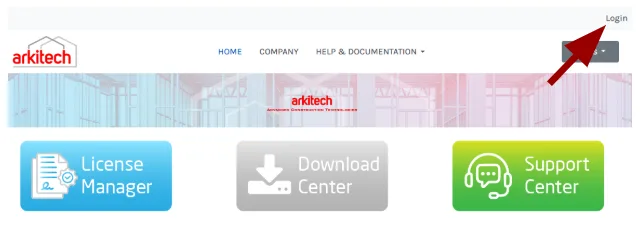
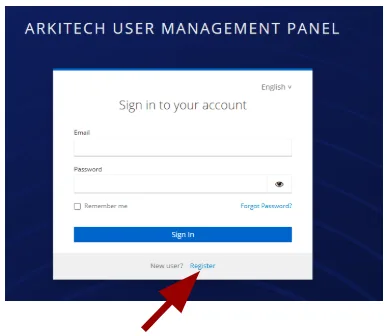
The first step is creating an account. Click the Login button in the top right corner, then click Register.
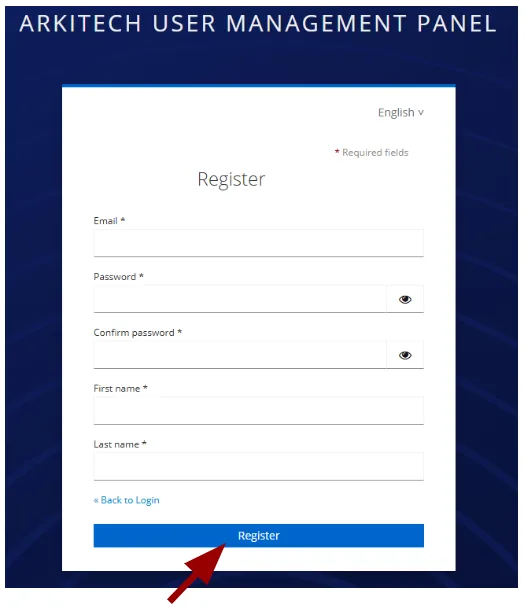
Complete the form with the required information, then click Register.
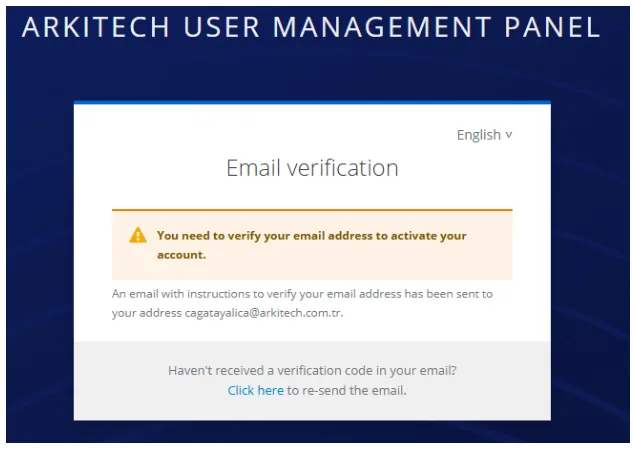
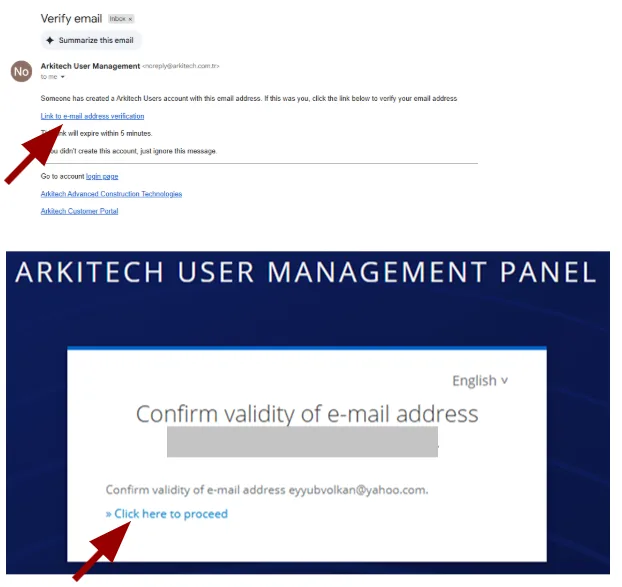
The system sends a verification email to the address you provided during registration.
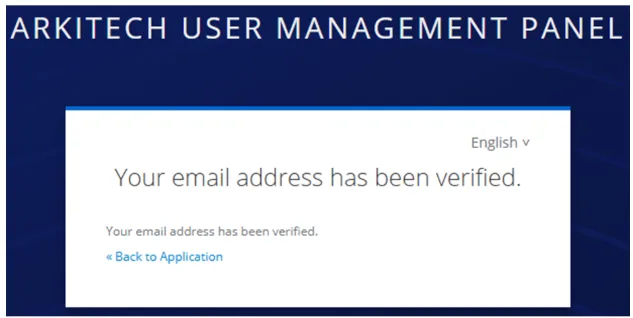
The email looks like the example below. Clicking the verification link prompts one final action, after which your account is created.
Log in
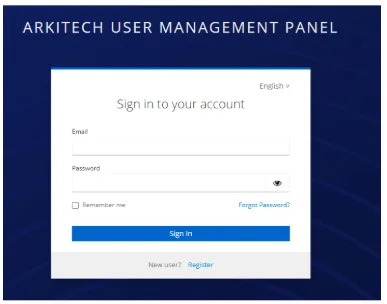
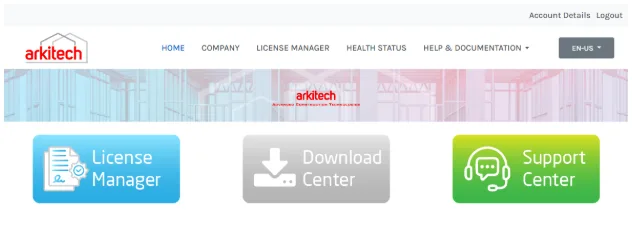
After successful verification, log back in at the Arkitech Customer Portal to access the main portal.
Other Knowledge Base articles
- How to Change Password
How to reset your Arkitech Customer Portal password using the account console.
- How to Use License Manager
How to view organization info and manage license assignments in License Manager.
- How to Use License in Designer
How to log in, manage license options, and troubleshoot license assignment in the Designer application.
- How to Use Download Center
How to find the latest Arkitech Designer software downloads.
- How to Use Support Center
How to create and track support tickets in Support Center.