How to Use License Manager
Open License Manager
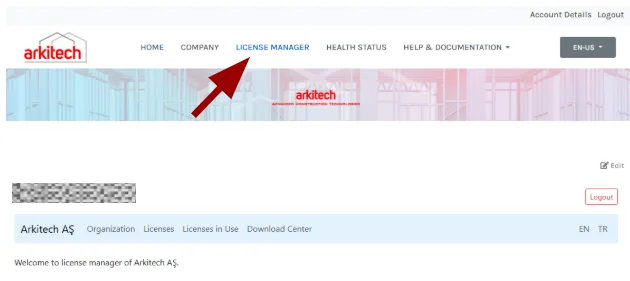
Click License Manager on the main portal page.
Regular user
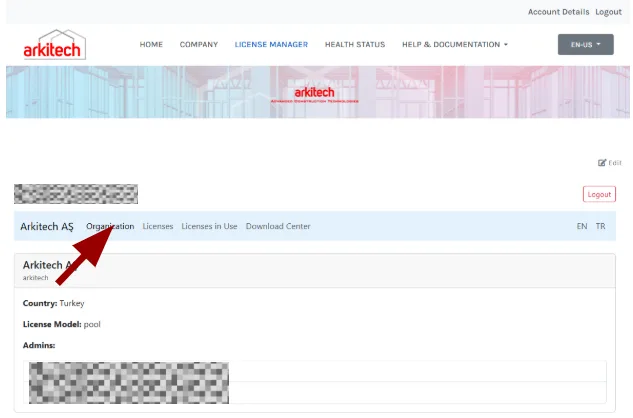
Users can view organizational information under the Organization tab.
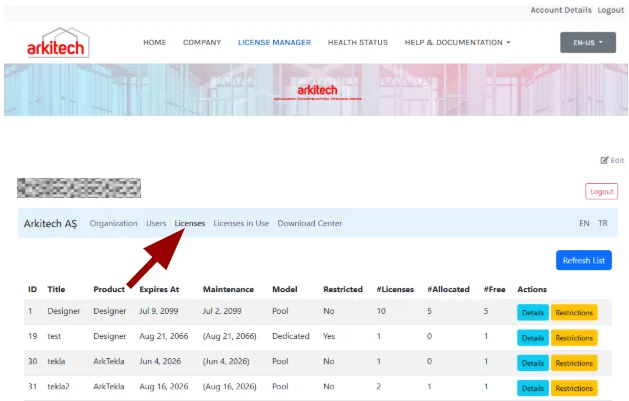
Users can review licenses in use and their status under the Licenses tab.
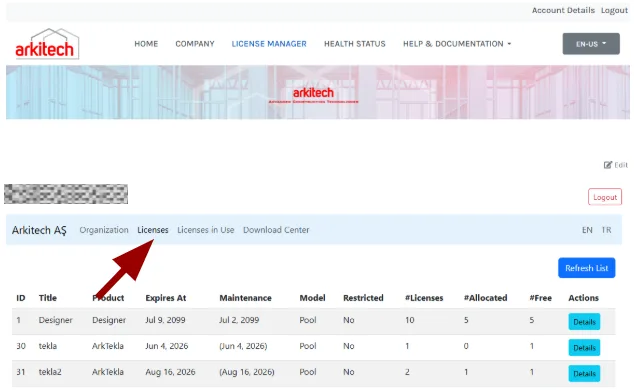
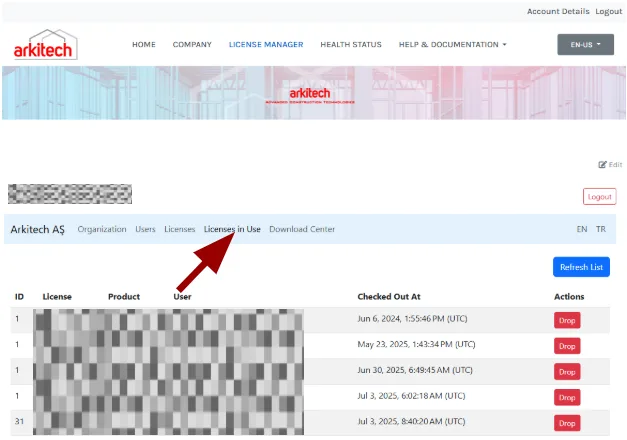
Users can also assign and drop licenses for a specific user under the Licenses in Use tab.
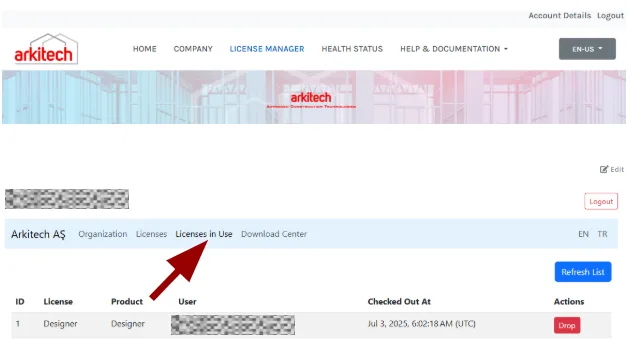
Admin user
Admin users can manage all users under the Users tab, including adding, removing, or editing user information.
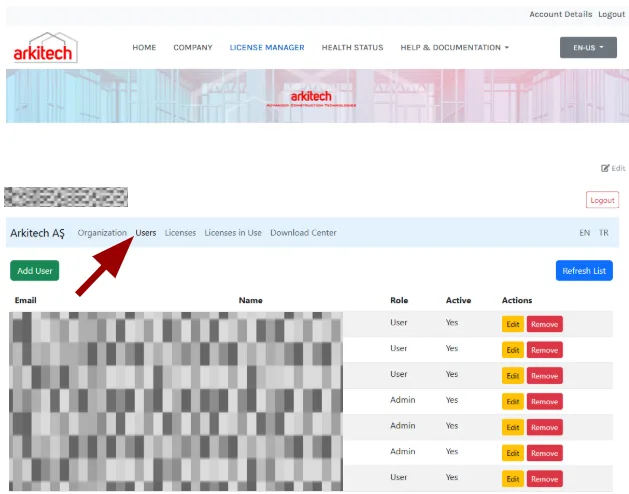
Admins can assign and unassign licenses for a specific user under the Licenses in Use tab. A license can be dedicated to a particular user for their exclusive use — if the software is properly shut down, the license becomes available to another user.